Customer Center1551-6541
Merchant Inquiry

Services

From offline VAN to online PG, services that fit how you take payments.

In store or online, payments should be one flow.

Find the right payments for your business

Pick three answers and we'll recommend the services you need.

1Where do you sell?
2Do you have overseas customers?
3Features you need (select all that apply)

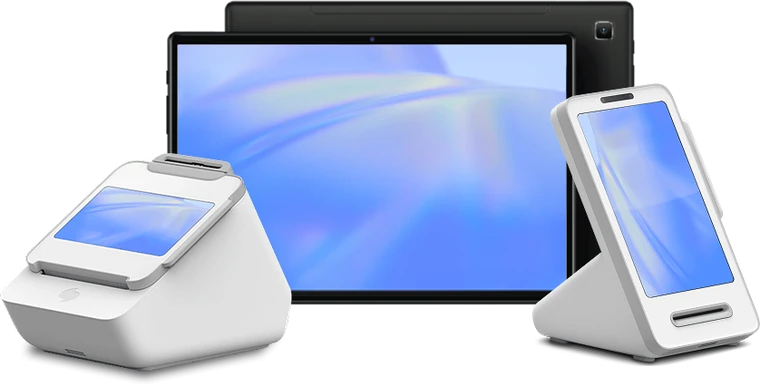
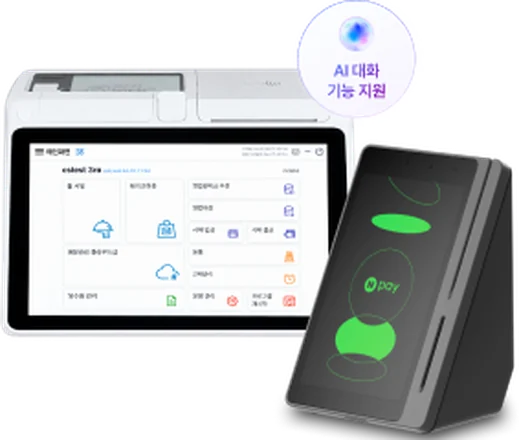
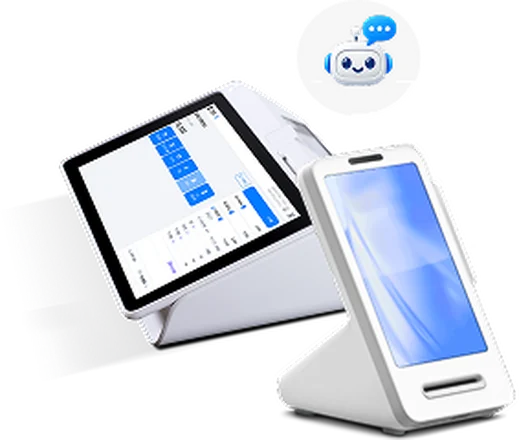
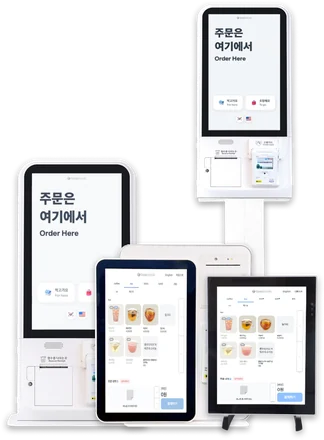
VAN Terminals

Any maker, the right terminal for your store.

THE BLACK

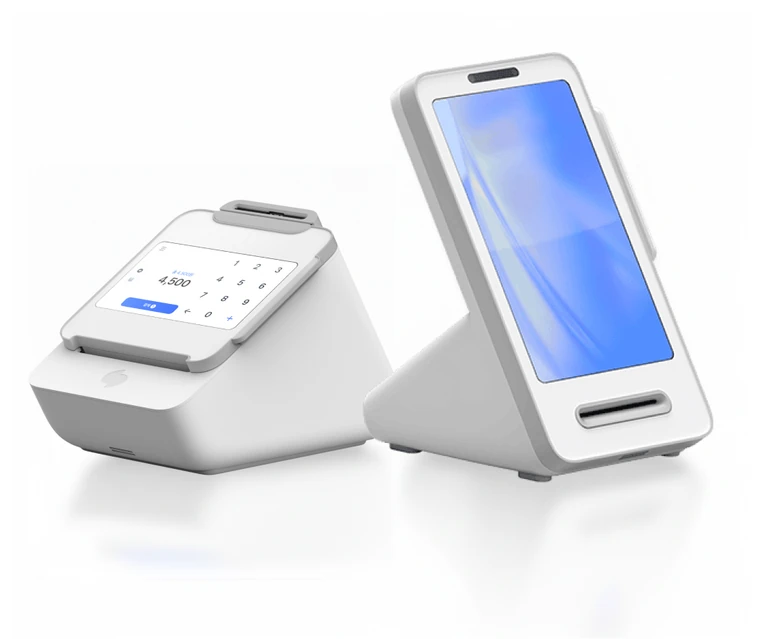
Terminal The Black

  • Wi-Fi · LTE wireless
  • Built-in POS and kiosk functions
  • 2" receipt printer
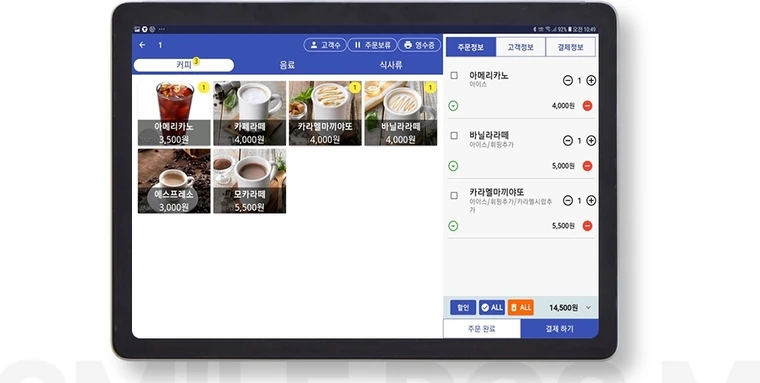
  • Toss Terminal Set
    Toss Terminal SetCustomer-facing screen
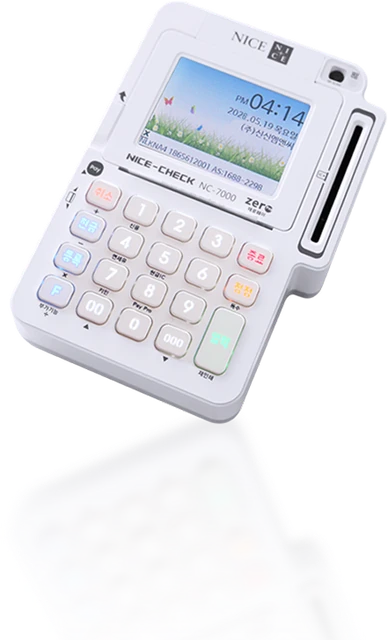
  • NC7000
    NC7000Wired card terminal
  • KIS2200
    KIS2200Wired card terminal
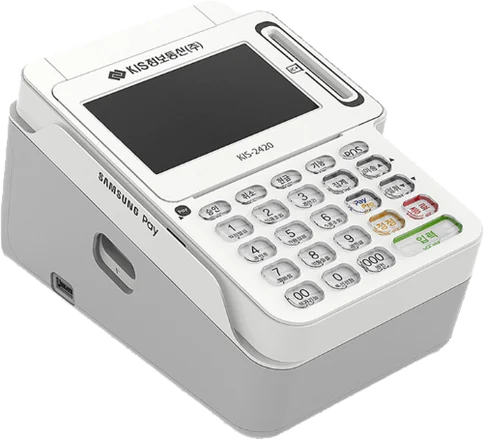
  • KIS-2420
    KIS-24203" color terminal
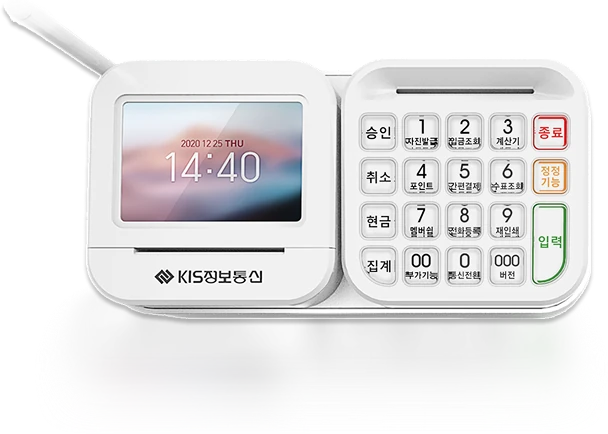
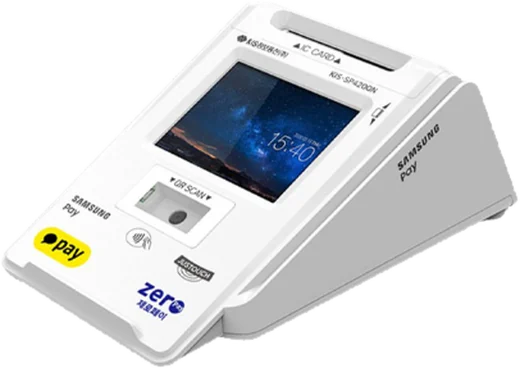
  • KIS-SP420
    KIS-SP420Entry multipad
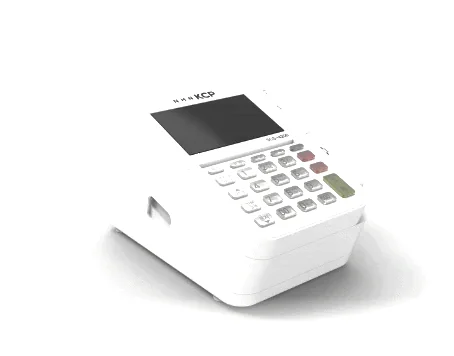
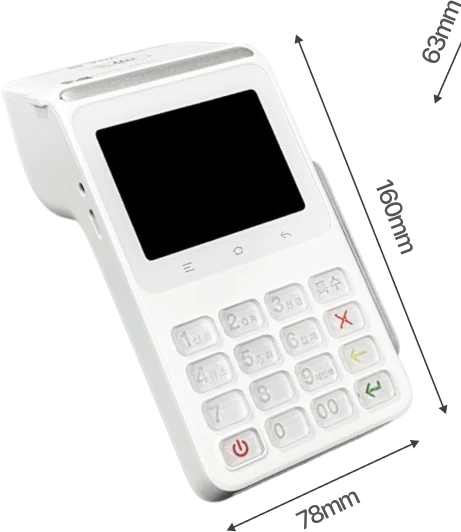
  • Standard Terminal White
    Standard Terminal WhiteBuilt for the counter
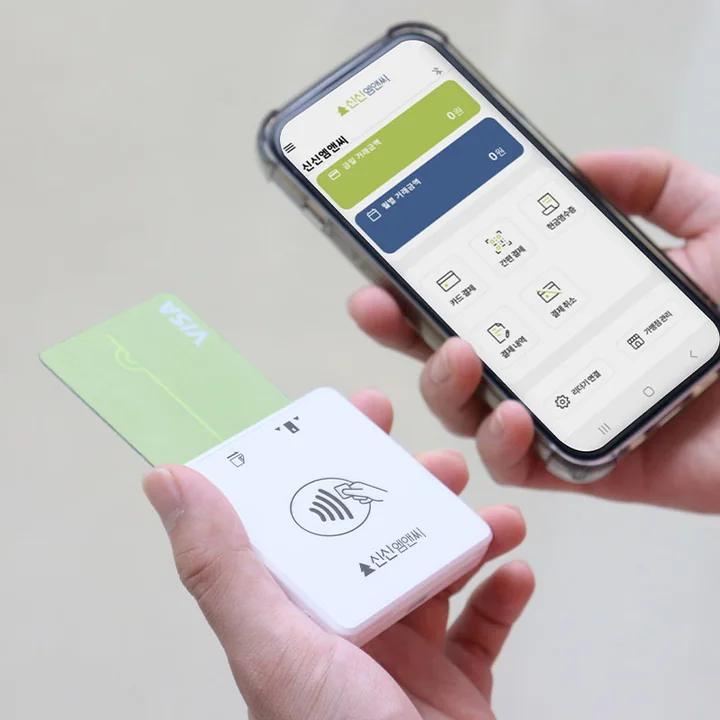
  • Bluetooth terminal
    Bluetooth terminalPairs with a phone
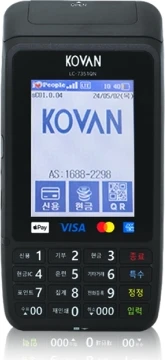
  • LC-7351QN
    LC-7351QNLTE type
  • LC-D300
    LC-D300LTE type
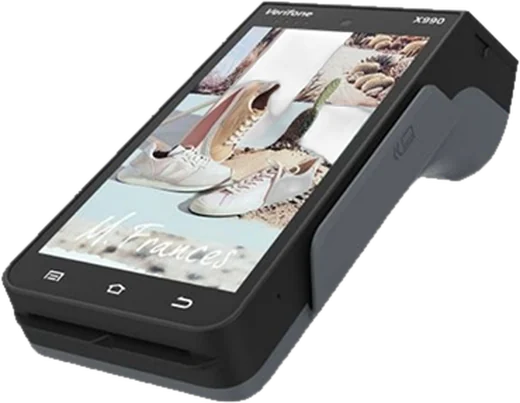
  • KIS-X990
    KIS-X990Smart handheld
  • Terminal The Black
    Terminal The BlackWi-Fi · LTE all-in-one
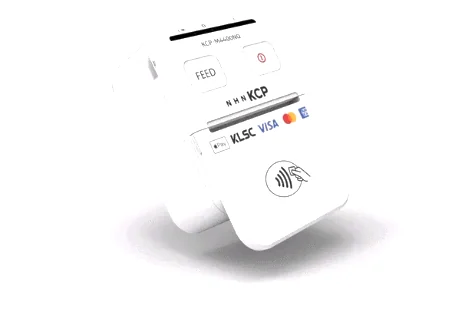
  • Terminal Mini
    Terminal MiniCompact, portable
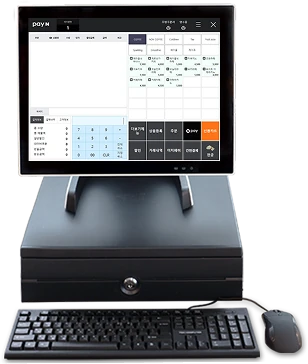
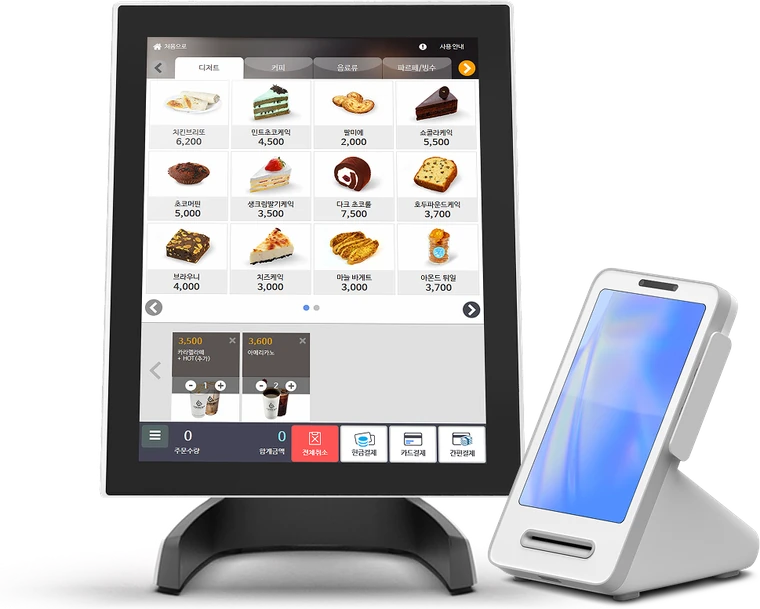
  • PayN POS
    PayN POSWindows POS
  • Upsolution
    UpsolutionWindows POS
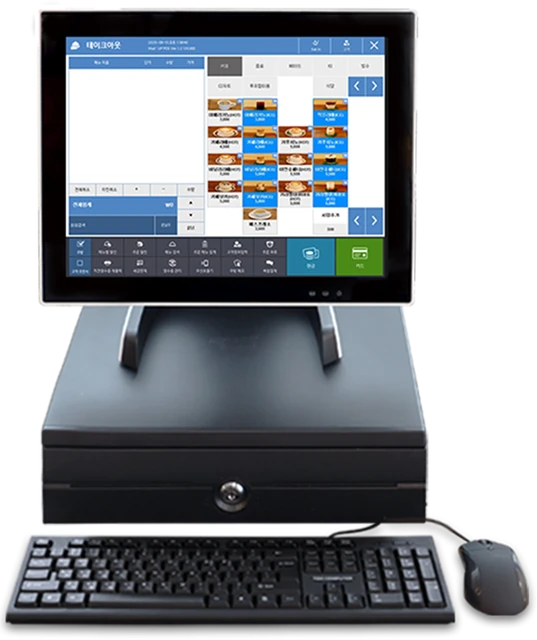
  • Toss POS
    Toss POSWindows POS
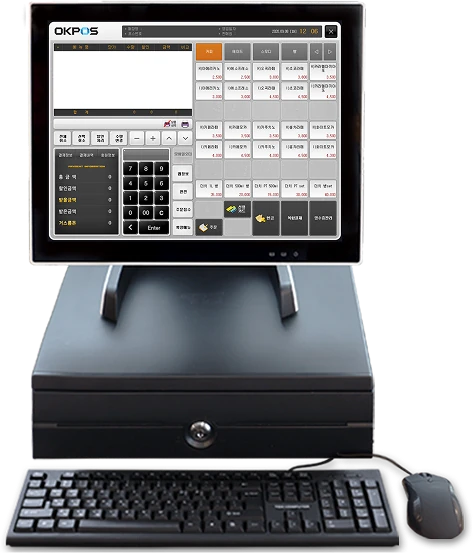
  • OKPOS
    OKPOSWindows POS
  • Union POS
    Union POSWindows POS
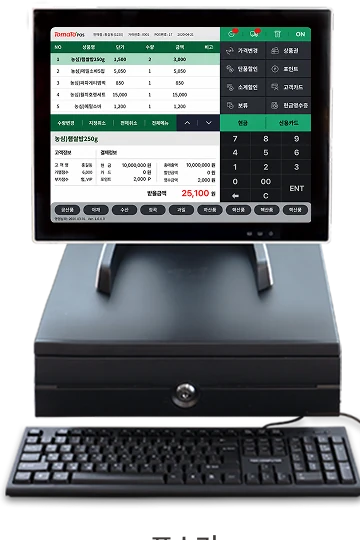
  • Tomato POS
    Tomato POSWindows POS
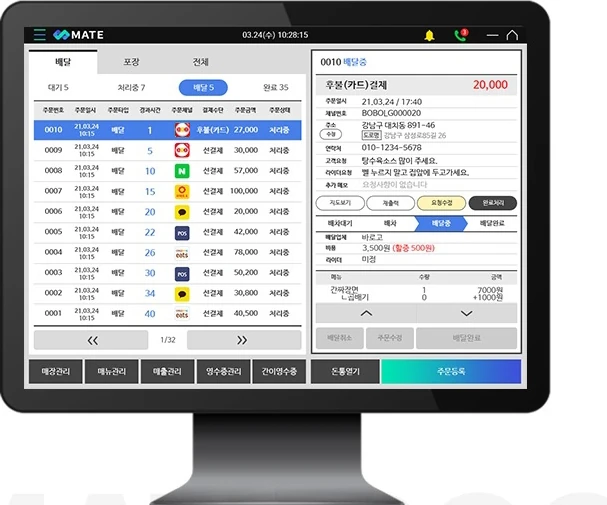
  • Mate POS
    Mate POSWindows POS
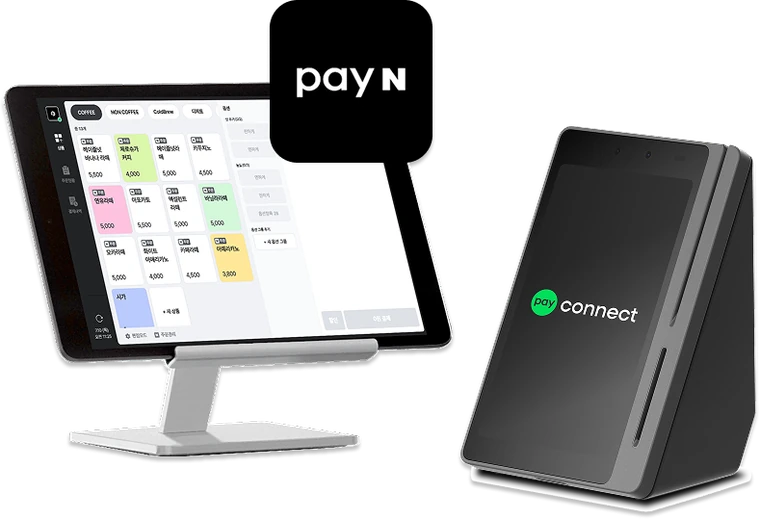
  • PayN Tablet POS
    PayN Tablet POSTablet POS
  • Smile POS M
    Smile POS MTablet POS
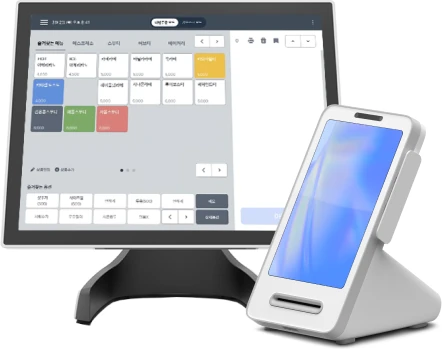
  • Toss Tablet POS
    Toss Tablet POSTablet POS
  • TIP POS
    TIP POSAll-in-one mini POS
  • AP-100
    AP-100All-in-one mini POS
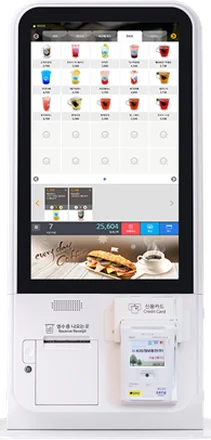
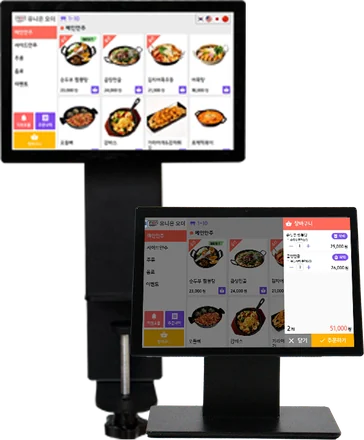
  • Toss Kiosk
    Toss Kiosk15" · 21"
  • Mini Kiosk
    Mini Kiosk15" countertop
  • Sinsin Kiosk
    Sinsin KioskStand type
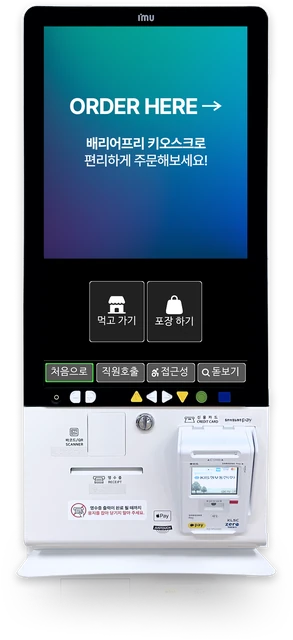
  • Barrier-free Kiosk
    Barrier-free KioskLow screen · voice guide
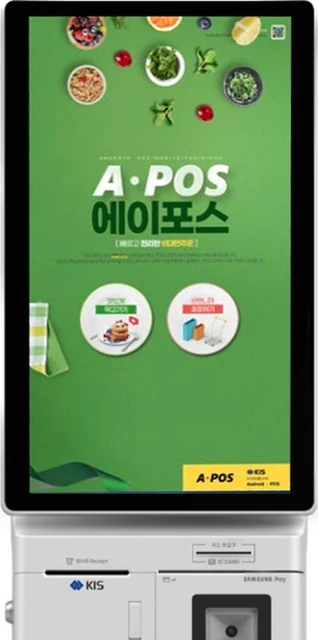
  • A-POS Kiosk
    A-POS KioskStand type
  • Union Order
    Union OrderTablet ordering
  • Union Tag & QR Order
    Union Tag & QR OrderTag · QR ordering
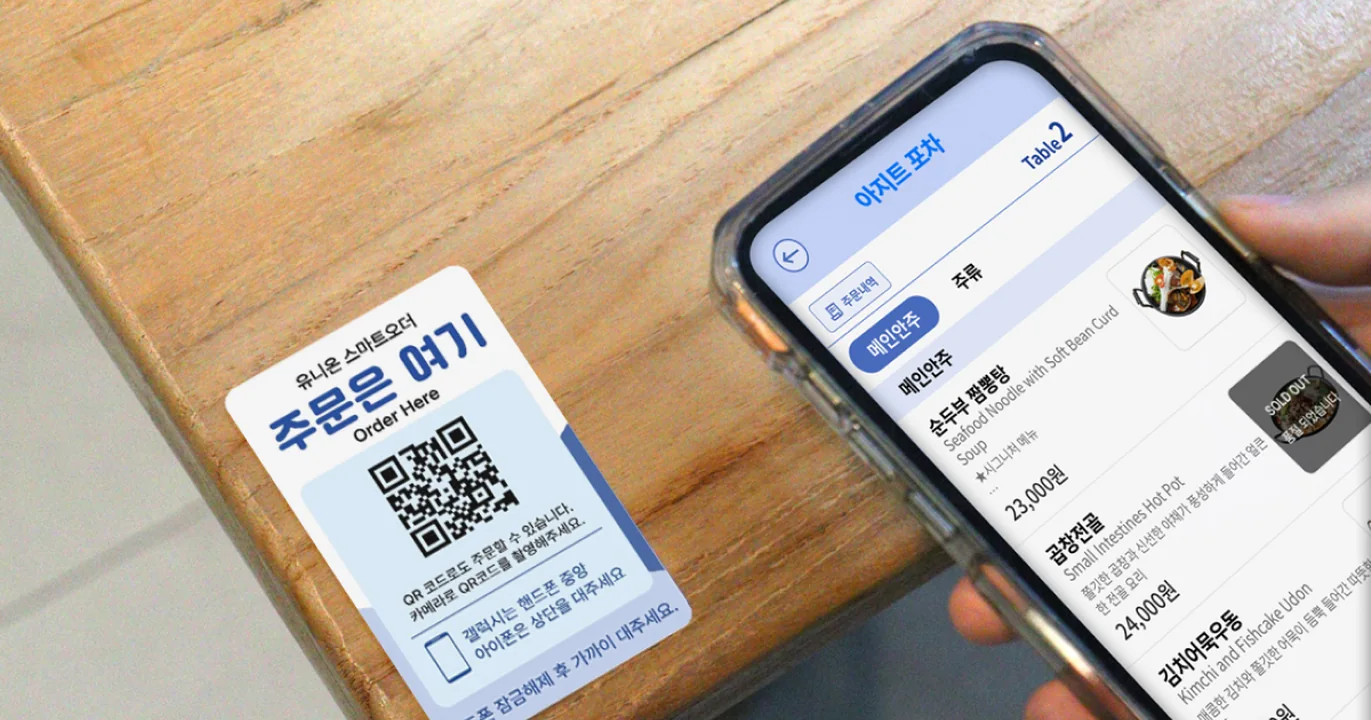
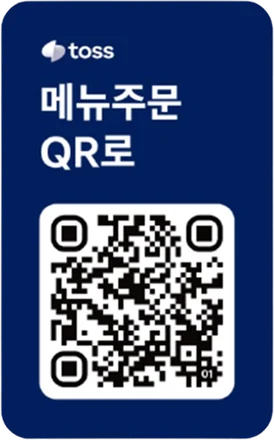
  • Toss QR Order
    Toss QR OrderQR ordering
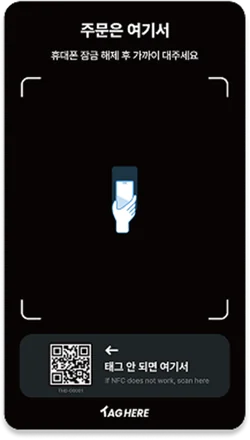
  • TagHere
    TagHereTag ordering
Payments accepted
  • IC card
  • Samsung Pay
  • Apple Pay
  • KakaoPay
  • Naver Pay
  • Local currency
  • Cash receipts

Product photos show each maker's products. Supported models and payment methods vary by terminal and VAN; tell us the model you want when you contact us.

PG Payment Methods

Built on the TREEPAY payment system, we offer a wide range of payment methods online and on mobile. Tap a method to see what your customer sees.

    Customers pay for goods and services in your online store by credit card.

    • Classified as a representative or intermediary merchant depending on the store
    • No extra fee for cancellations
    • Can be combined with escrow (payment deposit)

    Customers pay right away with the easy pay app they already use.

    KakaoPayNaver PayPAYCOSSG PAYL.payZeroPayand more

    Customers pay with an SMS code, and the charge is added to next month's phone bill. Works on app and web, with a virtual keyboard for security.


    Customer paysCarrier collectsStar PaymentsMerchant paid
    The carrier collects the payment, and Star Payments pays the merchant after deducting fees.

    Accept cards issued overseas too.

    VISAMastercardJCB
    More on global payments

    Value-added Services

    Add the value-added services your business needs.

    Marketplace payouts

    We manage payments for sub-sellers on behalf of the marketplace operator and pay each seller separately.

    Use it when

    • You run a marketplace or platform with many sellers
    • Calculating and paying each seller is a hassle
    Buyer pays
    Star PaymentsFunds management
    Seller A
    Seller B
    Seller C

    Escrow (payment deposit)

    A buyer protection service in which payment is released to the seller only after the customer confirms the purchase.

    Use it when

    • Stores with many first-time customers
    • High-priced items, second-hand trades, long delivery times
    Customer pays
    Funds held
    Delivery · Confirmation
    Seller paid

    SMS payment

    Send a payment link by text and the customer pays right from the link. Useful for devices other than PC or mobile and for non-face-to-face sales.

    Use it when

    • Phone or messenger orders
    • Cash-on-delivery collection, field and home services
    Payment text sent
    Customer opens link
    Card payment
    Payment complete alert

    Cash receipts

    Issue cash receipts to the National Tax Service after cash-type payments such as bank transfers, so customers receive income or tax deductions.

    Use it when

    • When accepting bank transfers or virtual account payments
    • Businesses required to issue cash receipts
    Cash-type payment
    Issue request
    Sent to NTS
    Tax benefit

    Global Payments

    Overseas customers pay the way they do at home. Pick where your customer is.

    KOREA
    How this customer pays
    AlipayWeChat Pay

    Customers in China pay with the mobile wallets they use every day.

    How this customer pays
    PayNowGrabPay

    Customers in Singapore use account-based easy pay and app wallets.

    How this customer pays
    GrabPayShopeePay

    Customers in Southeast Asia pay with wallets linked to their everyday apps.

    How this customer pays
    VISAMastercardJCB

    Accept credit cards issued overseas.

    1. OrderOverseas customer orders in your store
    2. PayChoose an international card or global easy pay
    3. ApproveApproved by card or easy pay company
    4. SettleSales proceeds settled to the merchant

    International cardsVISA · Mastercard · JCB
    Global easy payAlipay · WeChat Pay · GrabPay · PayNow · ShopeePay
    Overseas remittanceRemittance of overseas sales proceeds

    Service Support

    From installation to repairs, we support you the same way nationwide. Pick a situation.

    RequestApply via the Customer Center or a merchant inquiry
    ScheduleWe check the terminal and network, then confirm a visit
    On-site installTerminal installation and payment testing
    TrainingHow to pay, cancel and close the day
    ReportReport the issue at 1551-6541
    Remote checkWe check the terminal by phone
    Dispatch · ReplaceNationwide dispatch, on-site repair or replacement
    ResolvedWe confirm normal operation and report back
    Customer Center1551-6541Weekdays 09:00 – 18:00 (KST)
    Online inquiry
    • Installation · RelocationNationwide installation, reinstall when you move
    • RepairsNationwide dispatch on fault reports
    • Customer CenterMerchant inquiries and complaints
    • Quality controlManaged processes for better service

    Start with a consultation

    Customer Center 1551-6541 · Weekdays 09:00 – 18:00 (KST)